
Personalized Outbound Strategy
Get The Right Outbound Strategy In Minutes
Enter your email to get a custom plan & stack recommendation for your business
It's being carefully crafted by AI
Please check your mailbox in 5 minutes
If you’re searching for an Enginy review, you’re probably trying to decide if it’s worth using.
Enginy (formerly Genesy AI) promises to automate prospecting, outreach, and replies in one place.
That sounds good, but most tools say the same thing.
So I tested Enginy across real workflows, from finding leads to sending messages and handling replies.
In this review, I’ll show you what actually works, where it falls short, and who it’s best for.
You’ll also see:
Read this before you decide if Enginy is the right tool for your workflow.
Enginy is built for B2B outbound teams that want to manage prospecting, outreach, and replies in one place.
This quick table shows what Enginy does well and where teams usually face limits.
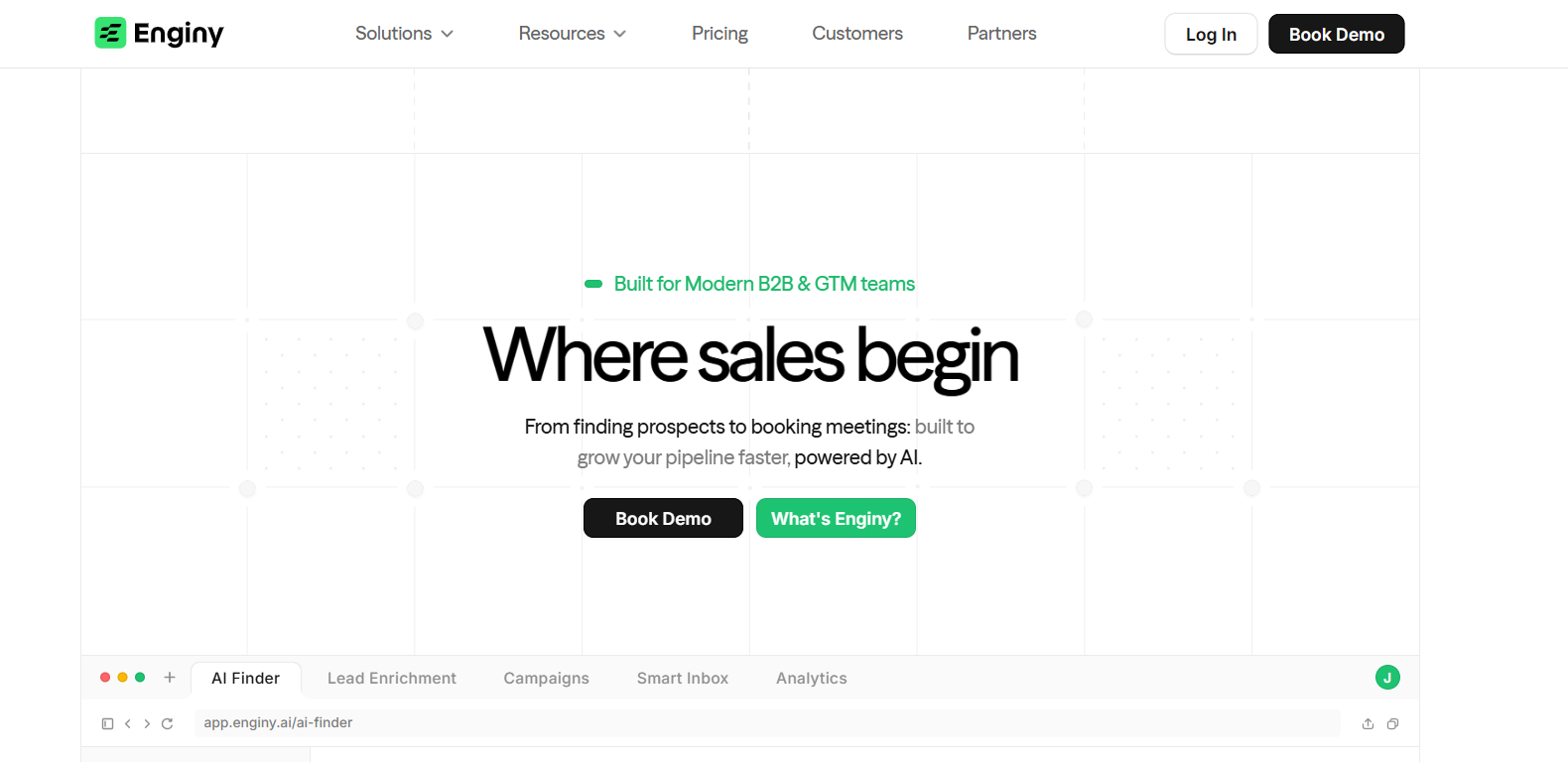
Enginy is a B2B sales tool that helps teams manage prospecting, outreach, and replies in one place.
It allows users to find leads by describing their ideal customer instead of using filters.
The platform pulls verified emails and phone numbers from multiple data sources to build contact lists.
It also supports multi-channel outreach, so users can send messages through email and social platforms from the same system.
Enginy includes a unified inbox where all conversations are managed and prioritized.
It uses AI to help with lead suggestions, message drafting, and identifying high-intent prospects.
In simple terms, Enginy combines lead generation, data enrichment, and outreach into one workflow.
Enginy follows a clear flow from finding leads to booking meetings.
Here’s how the process works step by step:
I start by describing the target audience in plain words.
Enginy uses this input to find matching people and companies.
The platform creates a list of prospects based on that input.
It also pulls verified emails and phone numbers from multiple data sources.
I can refine the list using signals like hiring activity or funding events.
This helps focus on leads that are more active.
I can send messages through email and social channels from the same place.
Campaign steps can change based on how prospects respond.
All replies show up in a single inbox.
Important conversations are easier to spot and respond to.
Enginy suggests replies and tags conversations by intent.
This helps me respond faster and focus on active leads.
When a lead shows interest, I can share my calendar and book meetings.
This keeps the workflow in one place without switching tools.
Enginy brings multiple outbound tasks into one system.
Here are the top features of Engingy:
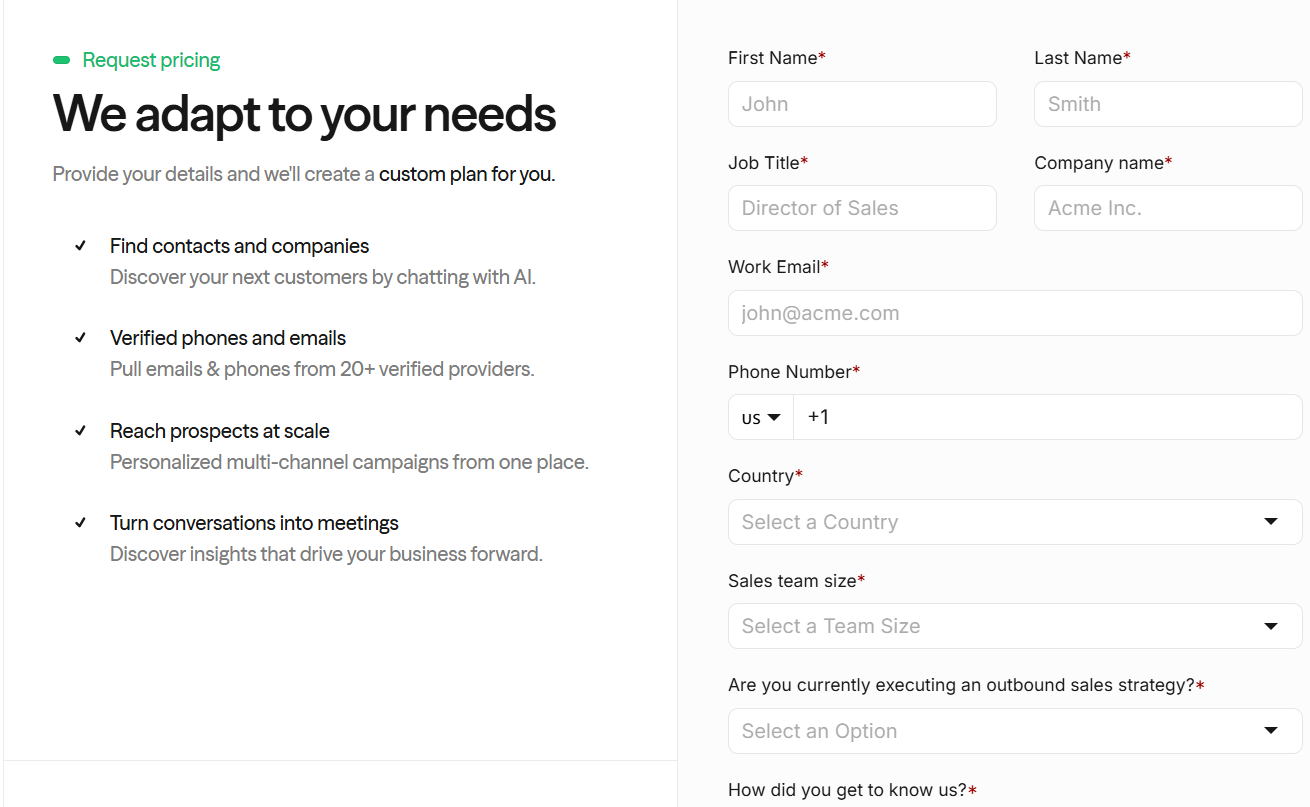
Enginy does not show fixed pricing on its website.
Instead, it offers a custom plan based on your needs.
I. Here’s how pricing works:
II. What’s included in the plan:
Enginy uses a custom pricing model instead of fixed plans.
It is designed to fit different team needs.
But you need to contact their team to get exact pricing details.
From the reviews I checked, most users had a positive experience with Enginy.
Many reviews mention ease of use, faster outreach, and better results from automation.

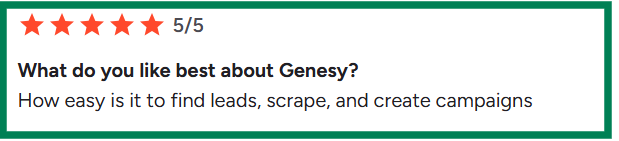


From what I saw, Enginy is liked for its ease of use and ability to save time.
At the same time, some users mention small issues like setup time, bugs, and limitations in certain features.
From my testing, Enginy fits teams that want to manage outbound in one place.
I found it useful for teams running regular outbound campaigns.
It helps combine lead search, outreach, and replies in one workflow.
The AI features help reduce manual work during prospecting and messaging.
It also works well for small and mid-size teams that want to move faster.
At the same time, it may not fit every use case.
If you only need basic lead data, the platform may feel heavy.
Some parts of the workflow can take time to understand at the start.
From what I saw, it works best when you use the full outbound setup.
If your focus is only one task, a simpler tool may be easier to manage.
If your main goal is to build lead lists fast, Enginy may feel heavy.
It combines prospecting, enrichment, and outreach in one workflow.
That setup works, but it adds extra steps before you get usable leads.
From my testing, Leadsforge felt more direct for lead generation.
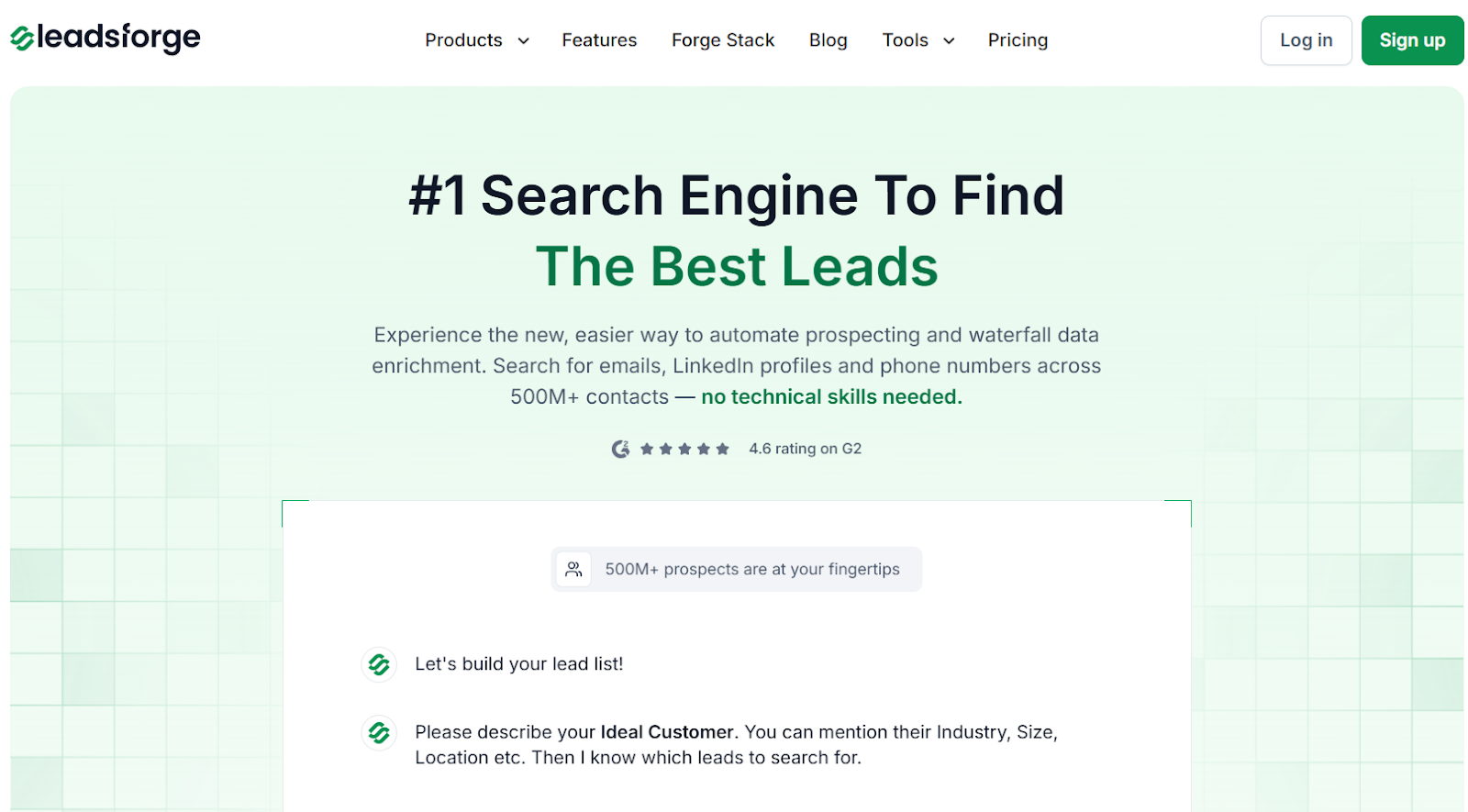
I could focus only on finding and verifying prospects without setting up campaigns.
Instead of using filters, I described my ideal customer in plain words.

Leadsforge returned matched contacts with emails, LinkedIn profiles, and phone numbers.
This made list building faster and easier to control.
The biggest difference I noticed was in data enrichment.
Leadsforge uses waterfall enrichment across multiple sources.
If one source does not return data, it checks others automatically.
This improves match rates and reduces missing contacts.
I also used intent signals to refine my lists.
This helped identify leads based on activity and potential interest.
It made outreach more focused instead of sending broad campaigns.
The workflow felt more flexible overall.
I could export leads as a CSV or send them directly to Salesforge.
That made it easy to move from lead search to outreach.
If your focus is clean lead lists and faster prospecting, Leadsforge is easier to use and more flexible.
Enter your email to get a custom plan & stack recommendation for your business
Please check your mailbox in 5 minutes

Enginy works when one team wants lead search, enrichment, and outreach in one place.
That setup can help for simple workflows.
In my testing, it added extra steps before I could use a clean lead list.
For daily prospecting, I use Leadsforge.
I can move from ICP search to export in one flow.
When it is time to send, I move those leads into Salesforge.
That is where email and LinkedIn sequences run.
Replies from both channels show up in Primebox™.
Warmforge keeps mailboxes healthy in the background.
This split setup reduces setup work.
It helps campaigns go live faster.
Try Leadsforge with 100 free credits and start building lead lists faster.