5 Best DiscoverOrg Alternatives & Competitors For Lead Generation

If you are searching for DiscoverOrg alternatives, you are likely comparing tools before making a buying choice.
I have used DiscoverOrg and several other lead databases in real outbound work.
DiscoverOrg is strong for account data, org charts, and buying signals.
It gives results when used for ABM and account planning.
But not every team needs a full GTM platform.
- Some teams want faster list building.
- Some want simpler workflows.
- Some want pricing that is easier to predict.
That is why I tested a few tools that people often compare with DiscoverOrg.
I used them for ICP searches, list building, and cold outreach prep.
In this guide, I will walk you through five DiscoverOrg alternatives for lead generation.
I will share what worked, where each tool fits, and where each one felt limited.
Let’s begin!
Best DiscoverOrg Alternatives for Lead Generation: Quick Comparison
How I Chose the 5 Best DiscoverOrg Alternatives
After using DiscoverOrg for account research and outbound prospecting, a few limits became clear.
So I compared other tools the same way real campaigns run day to day.
The goal was to find tools that can replace DiscoverOrg for list building, enrichment, and outbound prep.
Each tool went through the same checks.
Here is exactly what I looked at while making this list:
- Data quality had to hold up in real exports, not just in demo searches.
- Contact records needed usable emails and clear job roles for outbound campaigns.
- ICP filters had to narrow lists by role, company size, and industry without complex setups.
- The tool had to fit into outbound workflows without heavy CSV cleanup.
- Freshness of data was checked using spot samples across different industries.
These checks helped filter out tools that look good on paper but slow down daily prospecting.
Only the ones that worked in real outbound workflows stayed on this list.
1. Leadsforge – Best Discoverorg Alternative for Lead Generation

Leadsforge is a lead search engine built to find new B2B contacts in plain language.
When I worked with DiscoverOrg, it helped me map buying centers and signal intent across accounts.
But for cold outreach list building, I often wanted something faster and less structured.
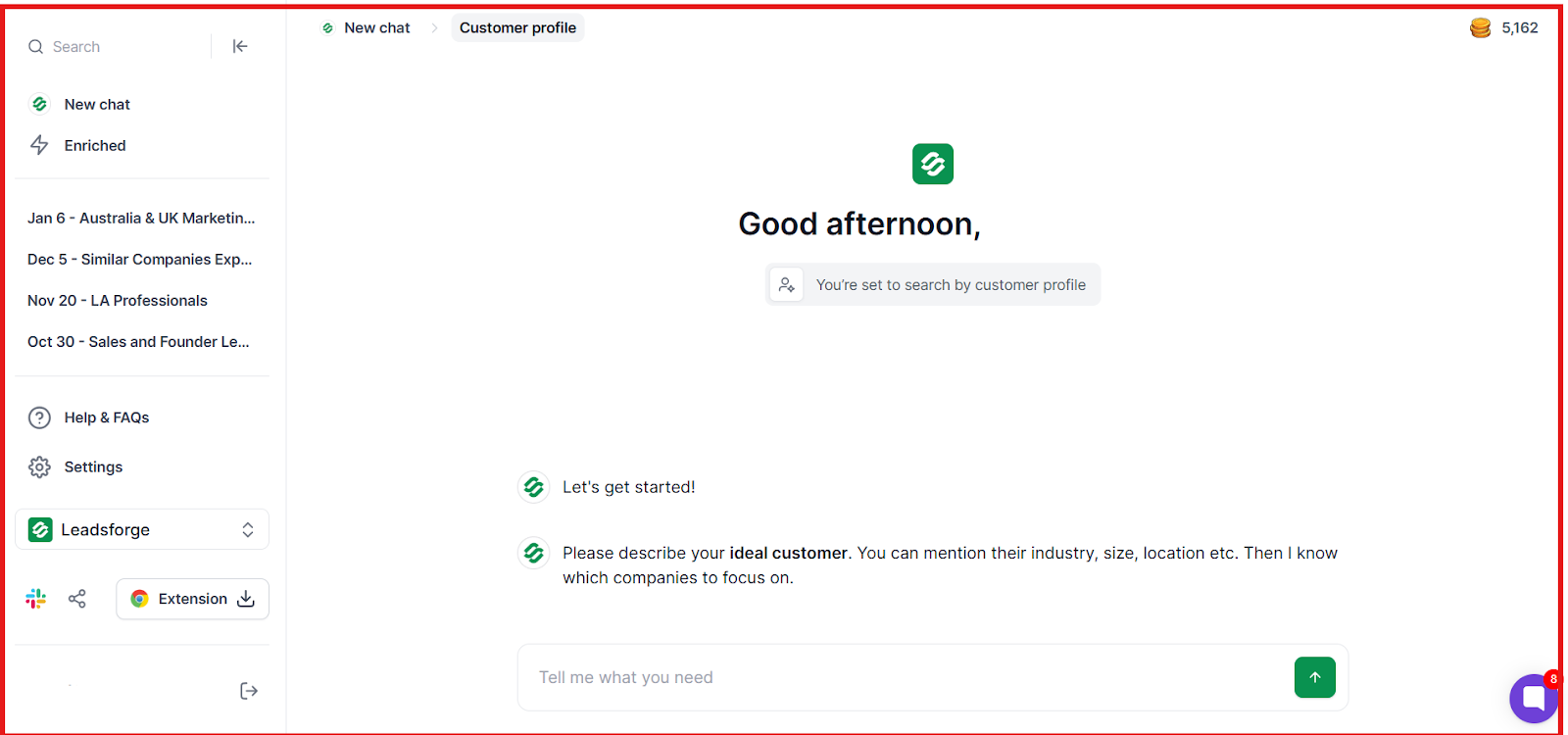
Leadsforge filled that gap because it turns simple descriptions of your ideal prospect into ready-to-export lists with contact data.
What I Tested and Found
- The chat-style ICP search returned usable contacts from short, plain-English prompts, reducing time spent building filters.
- Waterfall enrichment filled missing emails and LinkedIn profiles more often than single-source lookups in spot checks.
- Lookalike search expanded lists when only a few seed accounts were available, which helped scale targeting.

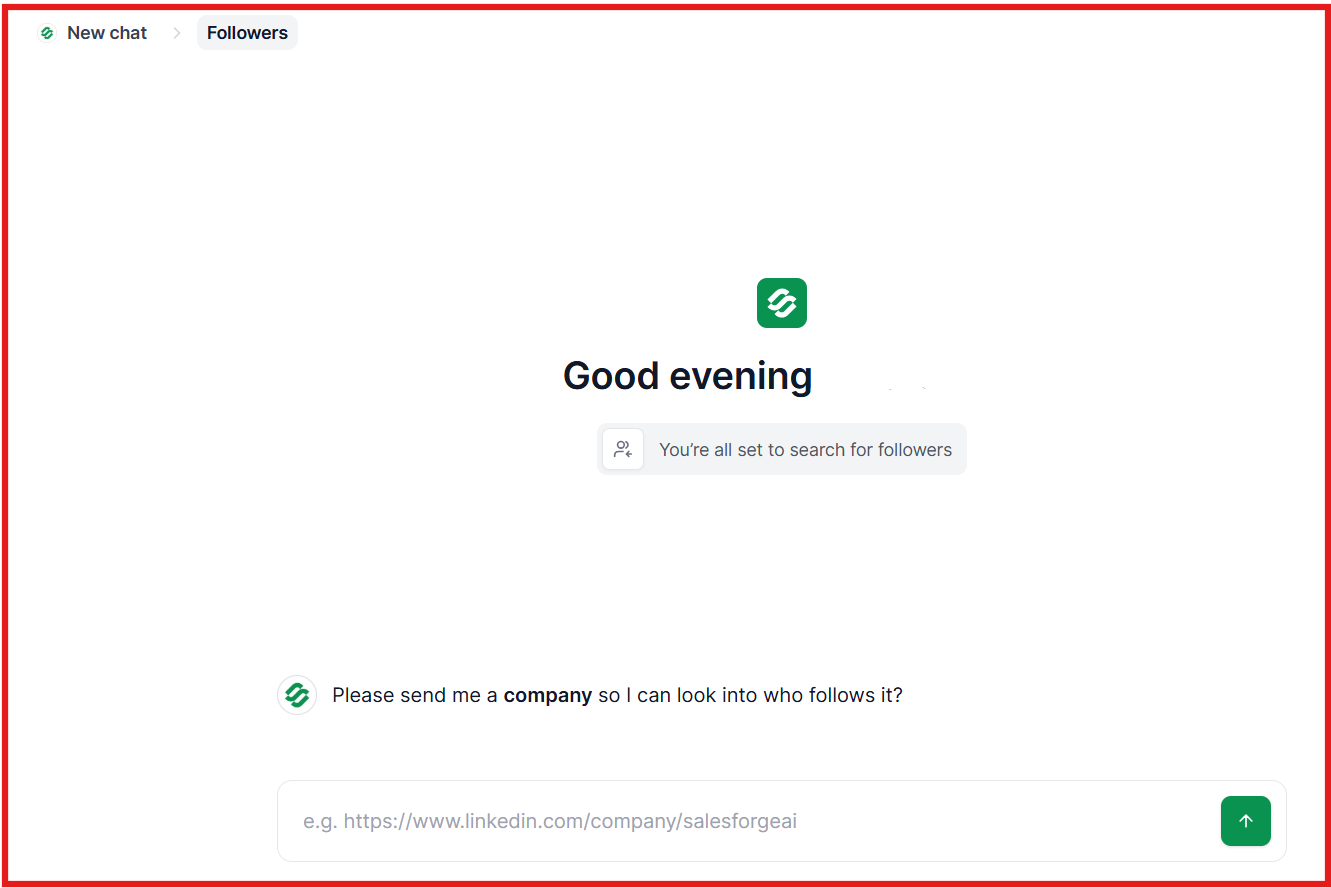
- Competitor follower targeting surfaced accounts already familiar with related tools, which felt useful for cold outreach angles.
- Built-in activity signals helped with basic prioritization, but still needed judgment before sequencing.
- Compared to DiscoverOrg, Leadsforge felt faster for building cold lists, while DiscoverOrg still worked better for account research.
DiscoverOrg vs Leadsforge: Quick Comparison
Pros & Cons of Leadsforge
Leadsforge Pricing

- Monthly Plan: $49/month for 2,000 export credits (unused credits roll over)
- Annual Plan: $588/year for 28,000 credits
- Free Trial: 100 free credits included
Try Leadsforge now with 100 free credits!
2. Cognism – Strong for Compliance-First Prospecting
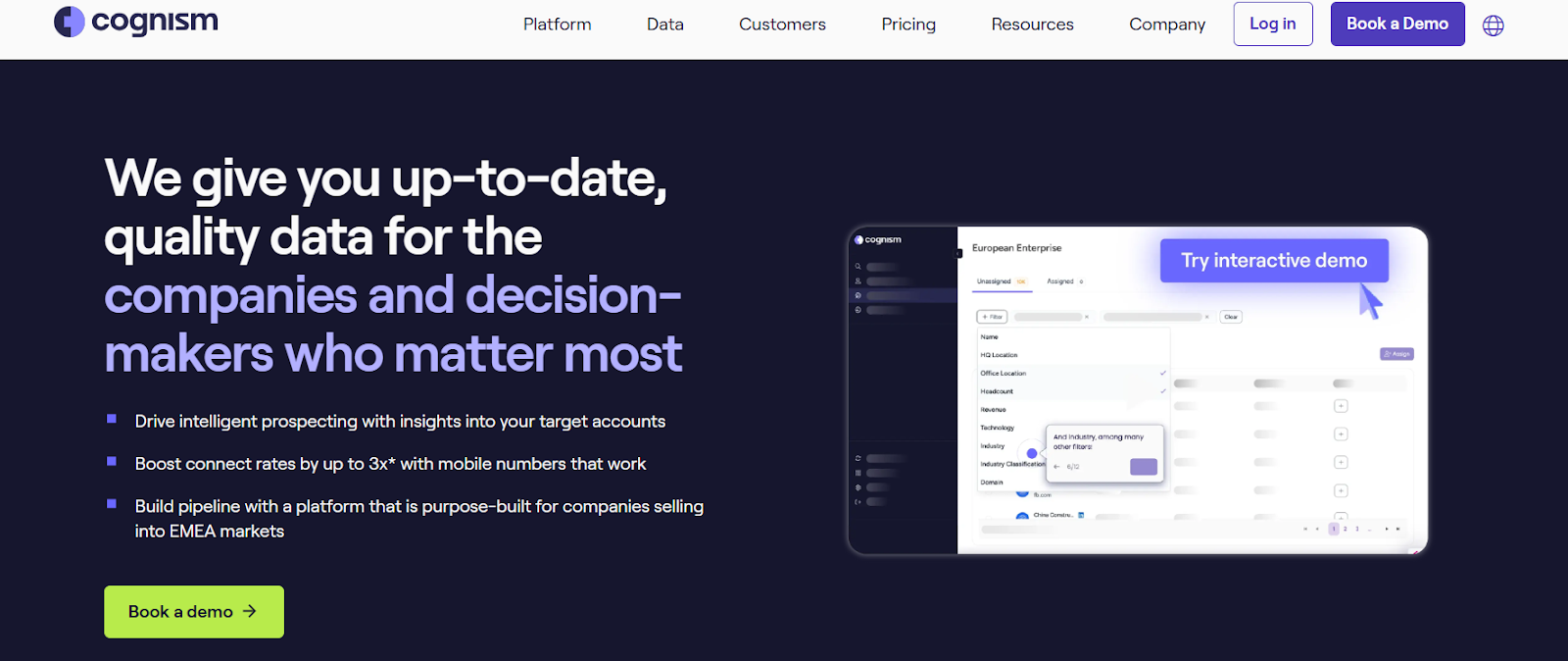
Cognism is a sales intelligence platform built for compliance-first prospecting, while DiscoverOrg focuses more on deep account intelligence and org chart mapping.
DiscoverOrg helped with planning account coverage and mapping buying teams.
For EMEA-focused outbound, I needed stronger mobile coverage and cleaner compliance handling.
Cognism filled that gap with phone-verified mobile numbers and strict Do-Not-Call checks.
What I Tested and Found
- Phone-verified mobile numbers returned fewer dead dials in spot checks, which helped for calling workflows in EMEA.
- Direct dials connected more often than unverified mobile fields from general databases.
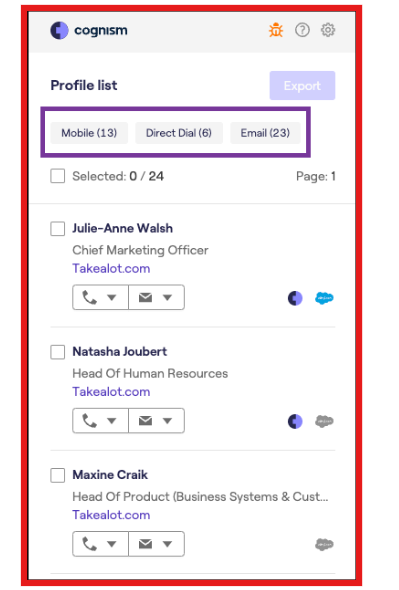
- Compliance checks reduced the risk of calling restricted numbers across regions.
- Hiring, funding, and technographic signals helped with timing, but still needed manual review before outreach.
- Contact filters by role and region returned usable lists without heavy cleanup.
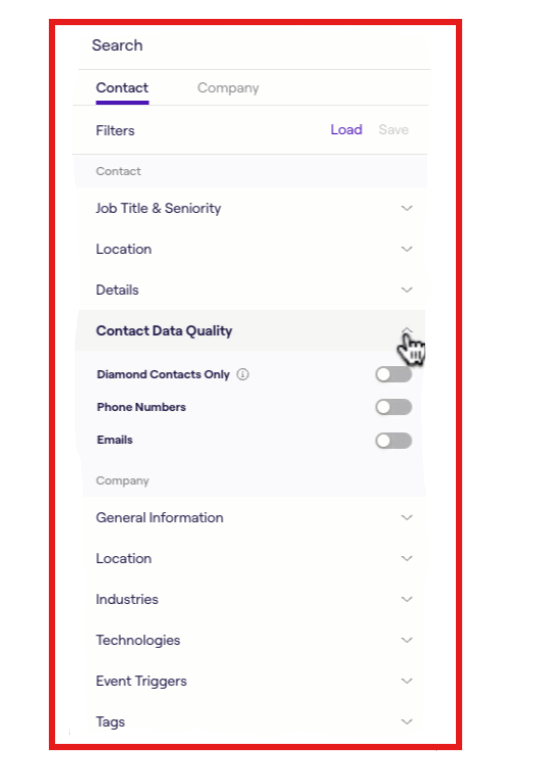
- Compared to DiscoverOrg, Cognism felt more execution-friendly for calling teams, while DiscoverOrg still fit better for buying group mapping.
DiscoverOrg vs Cognism: Quick Comparison
Pros & Cons of Cognism
Cognism Pricing
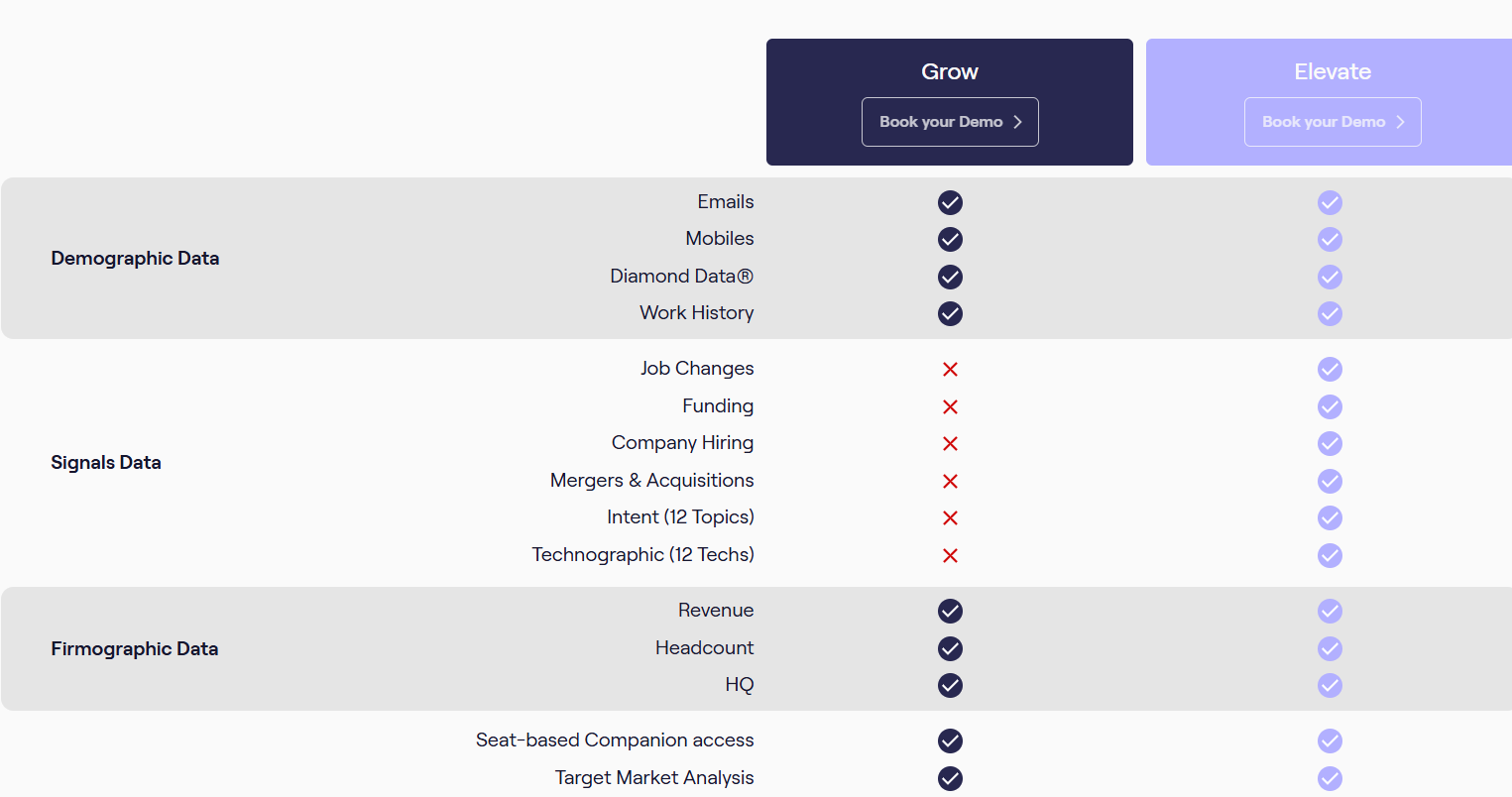
- Pricing is custom and not publicly listed
- Plans are seat-based with add-ons for data, signals, and enrichment
- Packages vary based on region coverage and Diamond Data® usage
- A demo is required to see exact pricing
3. Saleshandy – Built for Running Cold Email Outreach
Saleshandy is a cold email platform built for running outbound campaigns
DiscoverOrg helped me understand who sits in buying teams across target accounts.
For daily outbound, I needed tools that could handle sending, follow-ups, and deliverability without changing platforms.
Saleshandy fit that execution gap by keeping list building, sending, and inbox checks in one flow.
What I Tested and Found
- Filters returned usable prospects by role and company size, which shortened the path from list to send.
- Contact records included emails and phone numbers, and spot checks showed fewer hard bounces than raw lists.
- Built-in warmup and sender rotation reduced early inbox issues when adding new sending accounts.
- Inbox placement tests surfaced delivery problems before scaling volume, which helped protect new domains.
- Follow-ups reacted to opens and clicks, which reduced manual work once sequences were live.
- Compared to DiscoverOrg, Saleshandy felt built for running daily outreach, while DiscoverOrg still worked better for research planning.
DiscoverOrg vs Saleshandy: Quick Comparison
Pros & Cons of Saleshandy
Saleshandy B2B Lead Finder Pricing
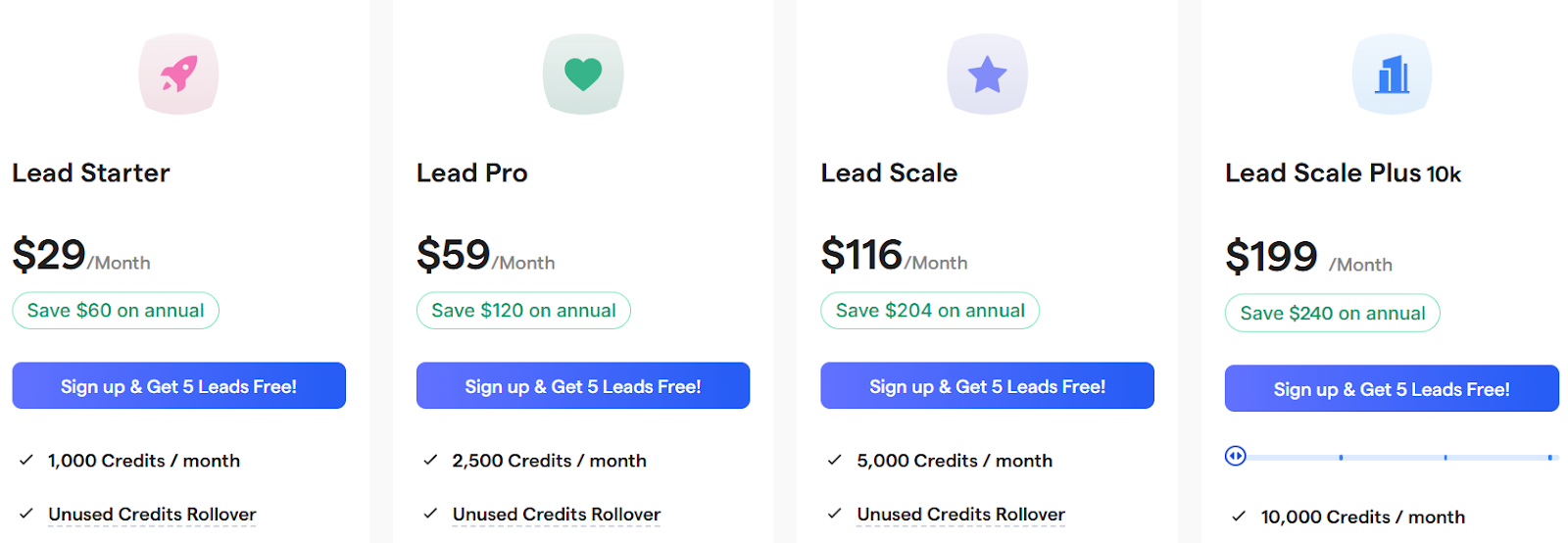
- Lead Starter: $29/month, 1,000 credits, rollover, real-time verified leads, email + phone reveals
- Lead Pro: $59/month, 2,500 credits, rollover, email + phone reveals, 1 inbox placement test
- Lead Scale: $116/month, 5,000 credits, rollover, email + phone reveals, 2 inbox placement tests
- Lead Scale Plus (10k): $199/month, 10,000 credits, rollover, email + phone reveals
- One-time credits: 1,000 credits for $30 (do not expire)
- Free trial: 5 free leads included
4. UpLead – Real-Time Verified Data for Fast List Building
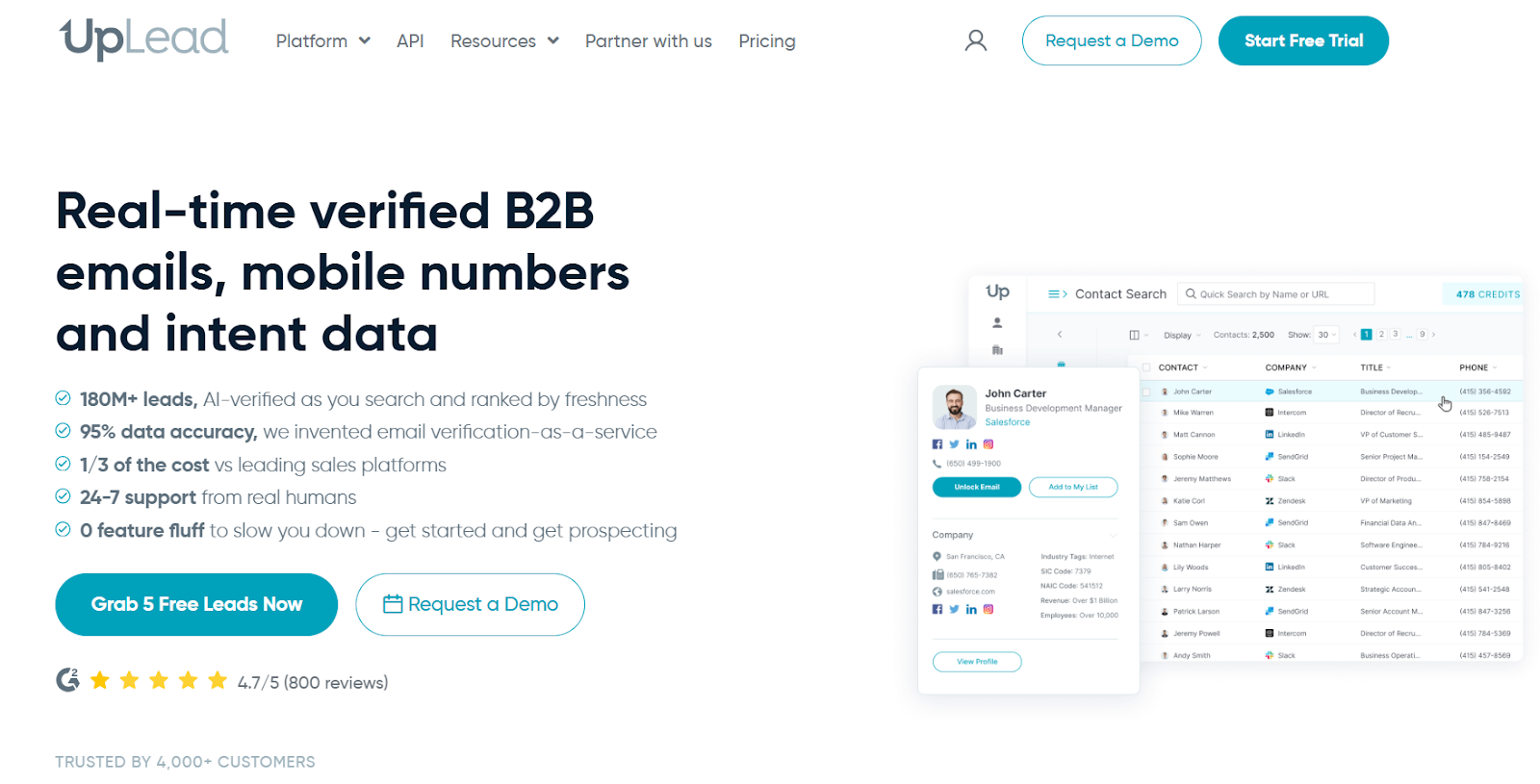
UpLead is a B2B data provider focused on real-time verified emails, mobile numbers, and intent data.
It fits workflows where lists need to be exported and used right away.
The real-time verification step changes how often lists need cleanup.
What I Tested and Found
- Real-time email verification reduced hard bounces during exports, which helped keep lists cleaner before outreach.
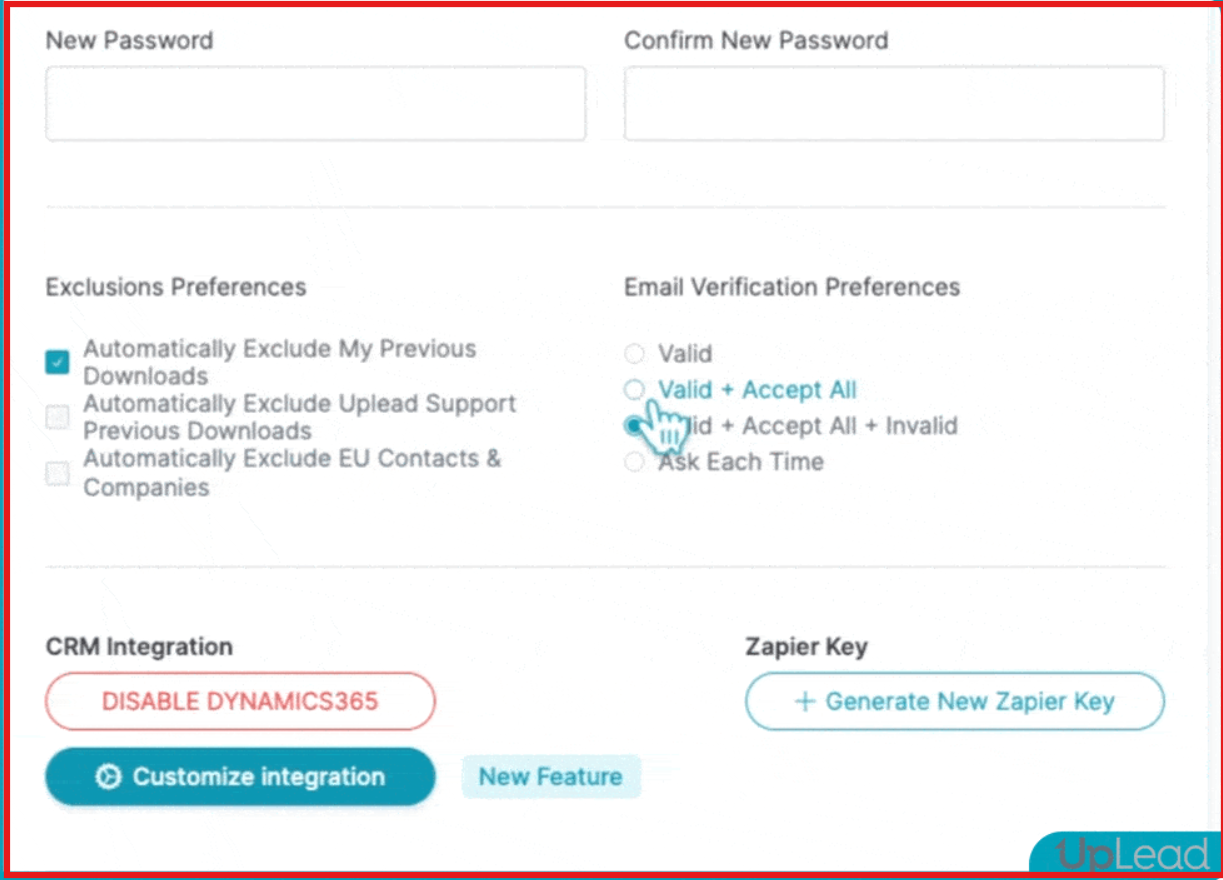
- Contact records often included both emails and phone numbers, which supported mixed email and calling workflows.
- Search filters by role, industry, company size, and technologies returned targeted lists without heavy cleanup.
- Intent data helped surface in-market accounts, but still required manual prioritization before sequencing.
- Compared to DiscoverOrg, UpLead felt more direct for clean list building, while DiscoverOrg still worked better for deep account views.
DiscoverOrg vs UpLead: Quick Comparison
Pros & Cons of UpLead
UpLead Pricing

- Free Trial – 7 days, 5 free credits.
- Essentials Plan – $99/month (170 credits).
- Plus Plan – $199/month (400 credits).
- Professional Plan – Custom pricing (includes Buyer Intent Data, API, and team features).
5. Seamless.AI – Built for High-Volume Prospecting From the Browser
Seamless.AI works as a real-time prospecting layer that helps find emails, mobile numbers, and company details.
It does that while browsing LinkedIn, CRMs, and company sites using the Chrome extension.
The reason it stands out in this list is speed.
Most DiscoverOrg alternatives focus on research dashboards and account views.
Seamless.AI focuses on grabbing contacts at the moment you find a prospect online.
What I Tested and Found
- The Chrome extension surfaced emails and phone numbers directly on LinkedIn and company pages, which reduced tab switching during list building.
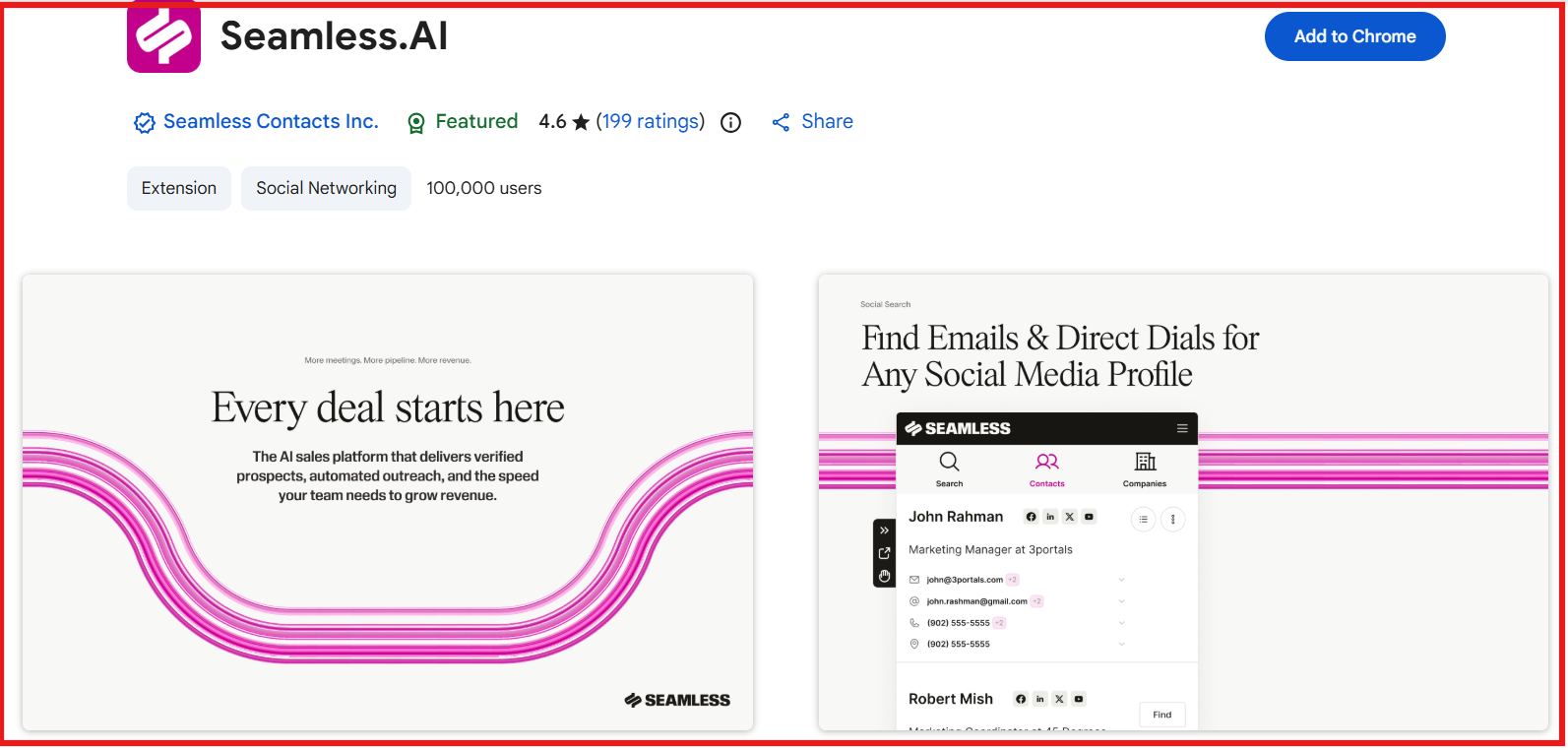
- Many contact cards showed multiple email options with confidence scores, which helped decide which address to try first.
- Mobile numbers appeared on a large share of records, which felt more useful for calling motions than email-only lists.
- Buyer intent and job change signals helped with timing, but still needed manual judgment for prioritization.
- Compared to DiscoverOrg, Seamless.AI felt faster for capturing contacts on the fly, while DiscoverOrg still worked better for mapping buying groups.
DiscoverOrg vs Seamless.AI: Quick Comparison
Pros & Cons of Seamless.AI
Seamless.AI Pricing
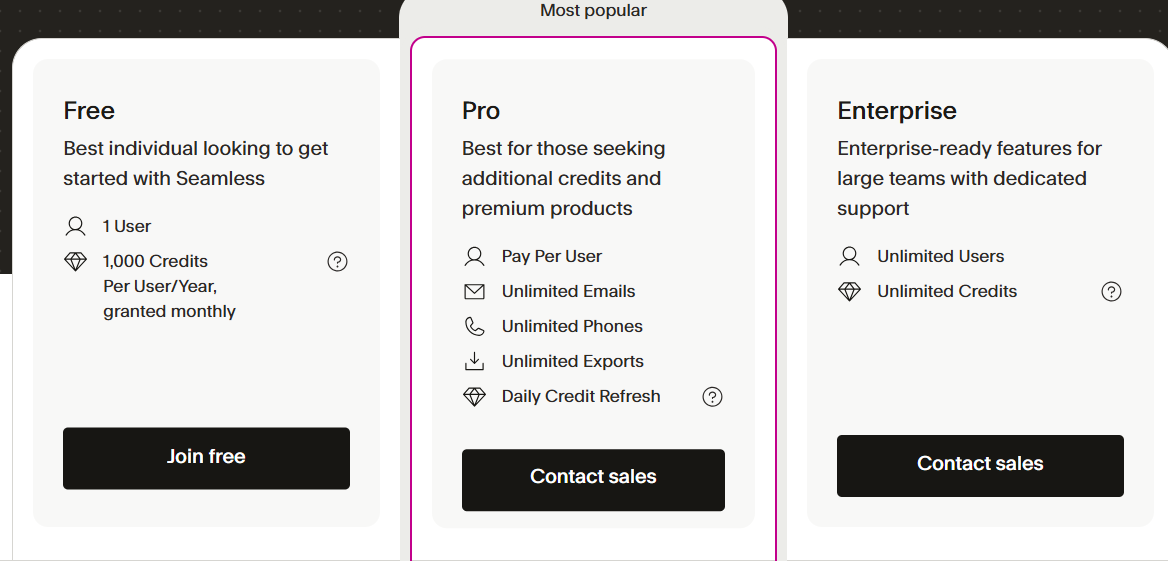
- Free plan: 1 user with limited credits to try core prospecting.
- Pro plan: Pay per user with a daily credit refresh for active list building.
- Enterprise plan: Unlimited users with custom credits and dedicated support.
Add-ons: Buyer intent, job changes, data enrichment, Autopilot, and API access cost extra.
So, Which Is an Ideal DiscoverOrg Alternative?
That wraps up my review of the main DiscoverOrg alternatives.
So, which DiscoverOrg alternative should you go with?
It depends on how you actually work day to day.
Do you need faster list building, better calling data, or cleaner exports for cold email?
If your work is mostly account research and buying group mapping, DiscoverOrg can still make sense.
If your work is daily prospecting, the tools in this list are easier to move with.
If you are unsure where to start, I would try Leadsforge first.
It helped me go from an ICP idea to a usable list without much setup.
You can start with the free credits to see how the data looks for your niche.
If it fits your flow, connect Leadsforge to Salesforge for outreach and use Warmforge to warm mailboxes before sending.
Try Leadsforge now with 100 free credits.